
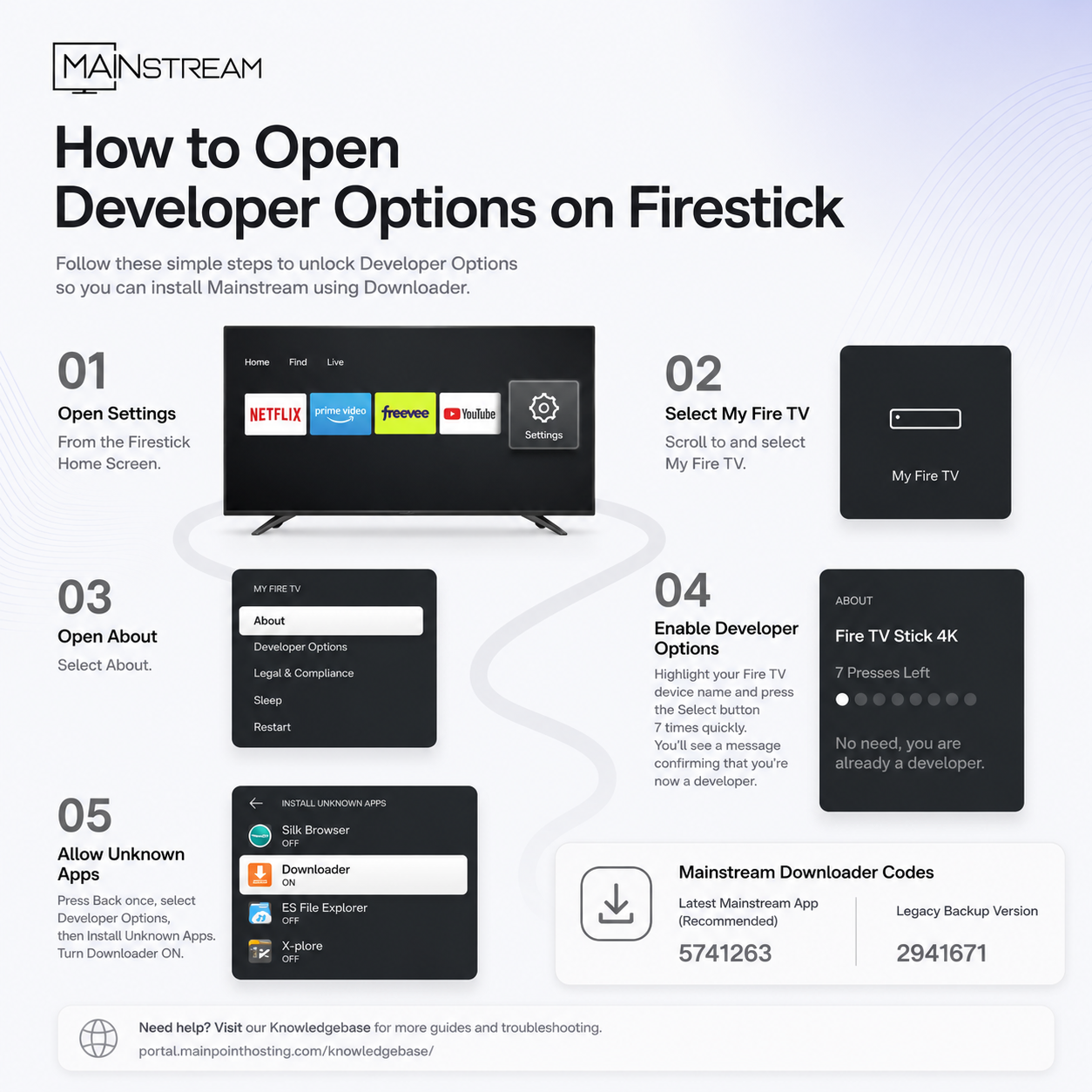
How to Open Developer Options on Firestick
If you need to install the Mainstream app using Downloader, you'll first need to enable the hidden Developer Options menu on your Firestick.
Step 1: Open Settings
From the Firestick Home Screen, navigate to:
Settings
Step 2: Select My Fire TV
Scroll to and select:
My Fire TV
On some Fire TV devices, this may be called Device & Software.
Step 3: Open About
Select:
About
Step 4: Enable Developer Options
- Highlight your Fire TV device name at the top of the list.
- Press the Center (Select) button on your Firestick remote 7 times.
- You'll see a countdown message, followed by:
"No need, you are already a developer."
Developer Options are now enabled.
Step 5: Allow Downloader to Install Apps
- Press the Back button once.
- Select Developer Options.
- Choose Install Unknown Apps.
- Turn Downloader ON.
Your Firestick is now ready to install the Mainstream app.
Mainstream Downloader Codes
Latest Mainstream App (Recommended)
Downloader Code: 5741263
Legacy Backup Version
Downloader Code: 2941671
If you experience any issues during installation, please visit our Knowledgebase for additional guides and troubleshooting: